CustomizationUpdated 9 months ago
Within Checkout 2.0 Settings, Paymonix Admins can enable additional features to enhance the customer experience and support compliance needs.
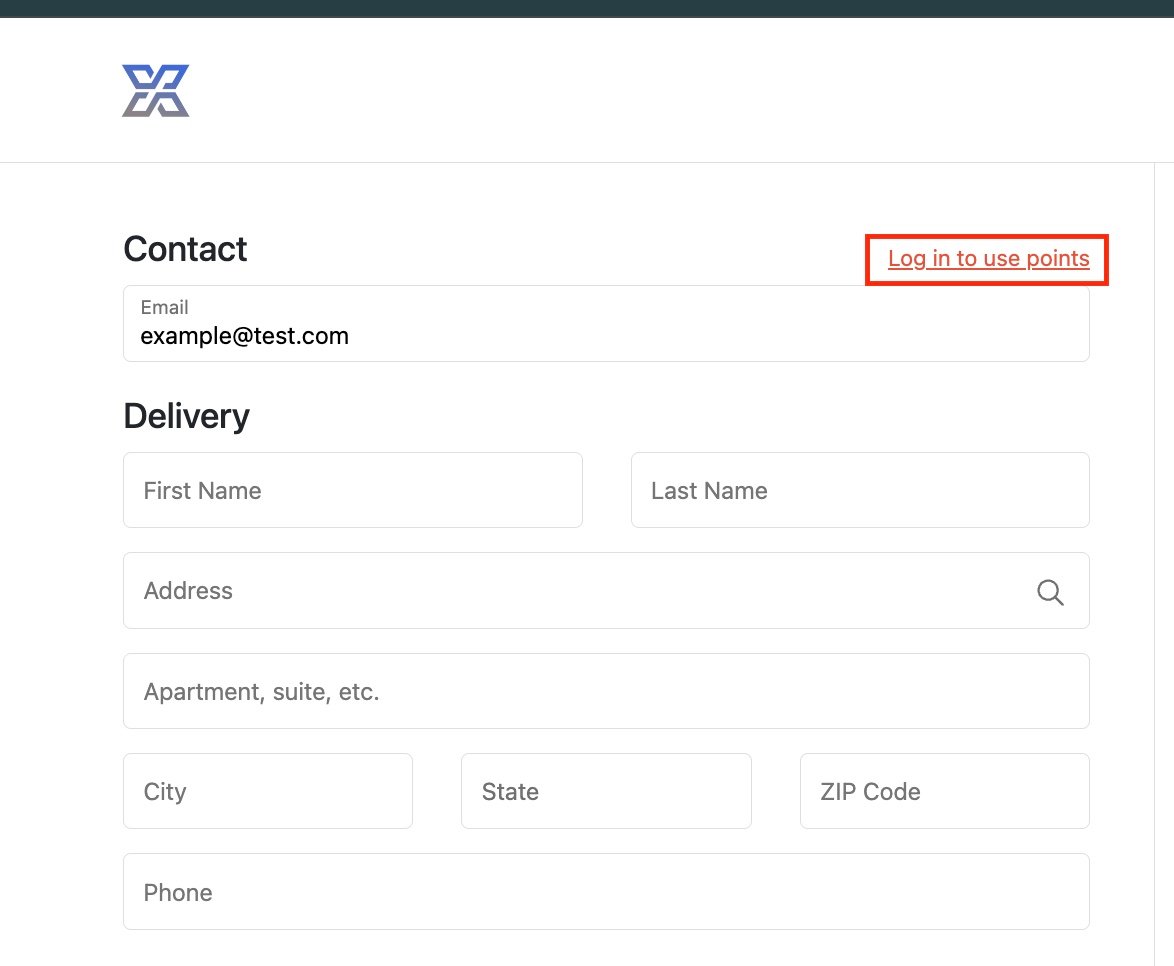
Login at Checkout
Enable a login link at checkout and provide a login URL so customers can sign into their account before placing an order.
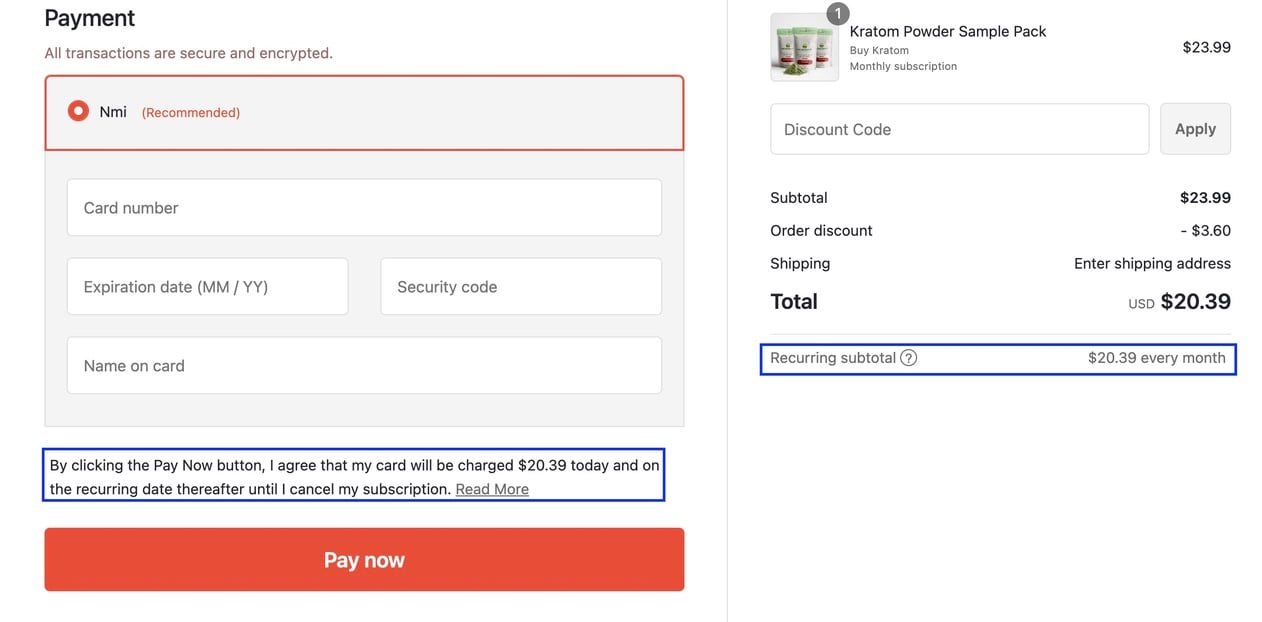
Subscription Agreements & Recurring Subtotal Declaration (available for NMI processing)
For clients using Subscribe & Save, you can add subscription details at checkout to clearly display recurring charges and policies to customers.
Optional Phone Input
When enabled, customers will not be required to enter a phone number at checkout.
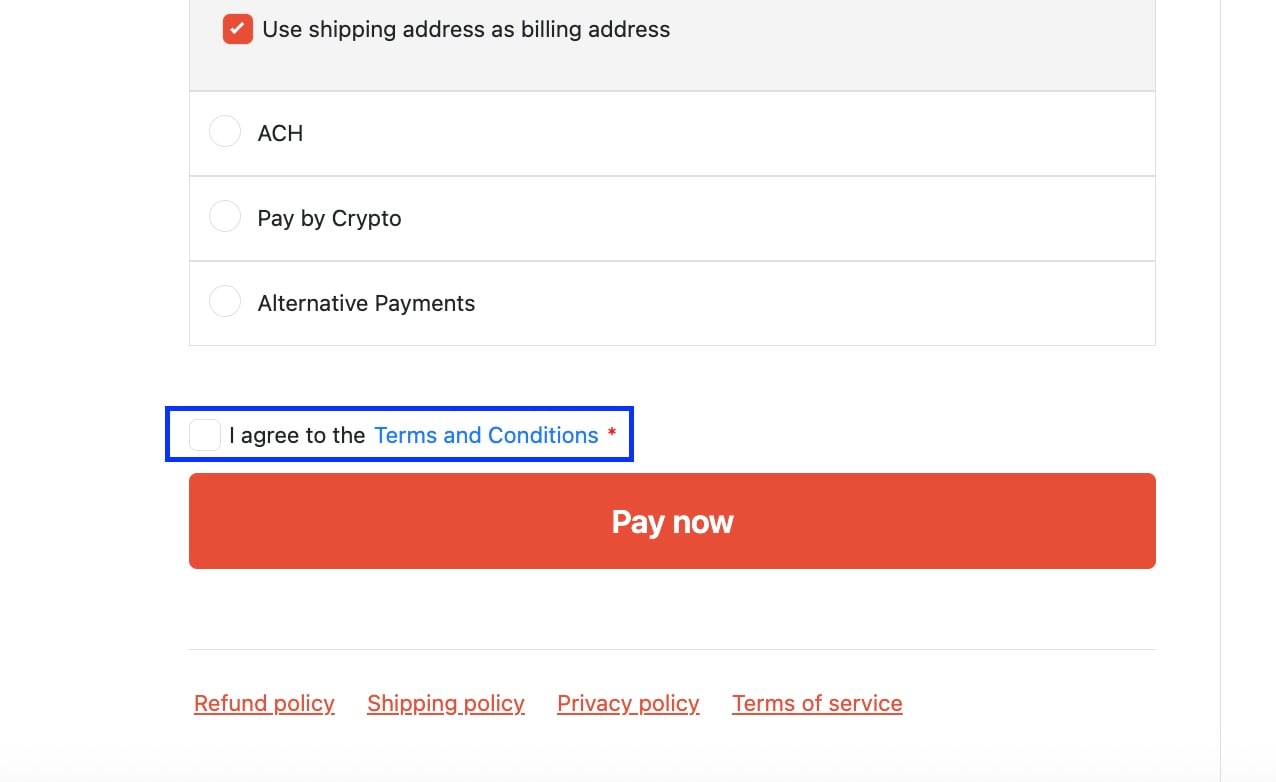
Agreement Checkbox
When enabled, customers must check the agreement box before they can proceed with payment.
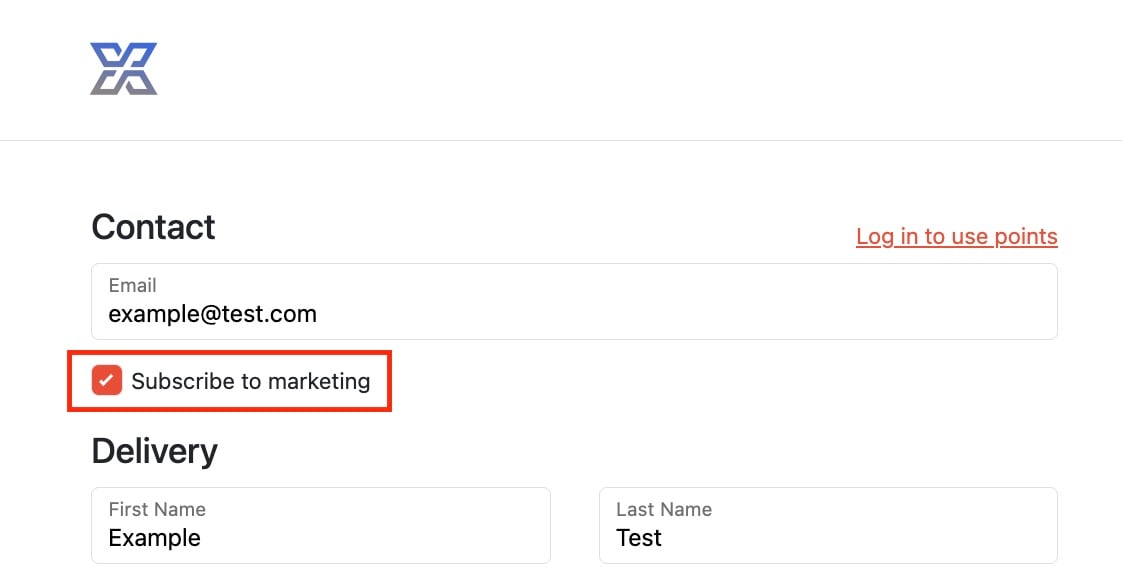
Marketing Opt-In (available for Drip and Klaviyo-enabled ESPs)
Add an option for customers to subscribe to marketing directly on the payment page. In checkout settings, you have an option to enable by default which will pre-select the opt-in.
If the box is checked, the customer’s profile is updated to Subscribed in the connected email platform, with a timestamp marking the agreement event.
If the box is left unchecked:
Non-subscribed customers remain unsubscribed.
Already-subscribed customers remain subscribed.